DentivaDentiva
Dentiva
FeaturesProductPricing
Solo Practice (1 Chair)Growing Clinic (2–4 Chairs)Multi-Branch Network (5+ Chairs)
LoginStart Free Trial
Start Free Trial
BlogWhatsApp Automation
WhatsApp Automation

Why WhatsApp Integration is Critical for Modern Dental Clinics

Discover how official WhatsApp integration streamlines patient communication, eliminates administrative bottlenecks, and transforms modern dental practice operations.

RK

Rahul Kapoor

June 12, 2026 · 8 min read

Why WhatsApp Integration is Critical for Modern Dental Clinics
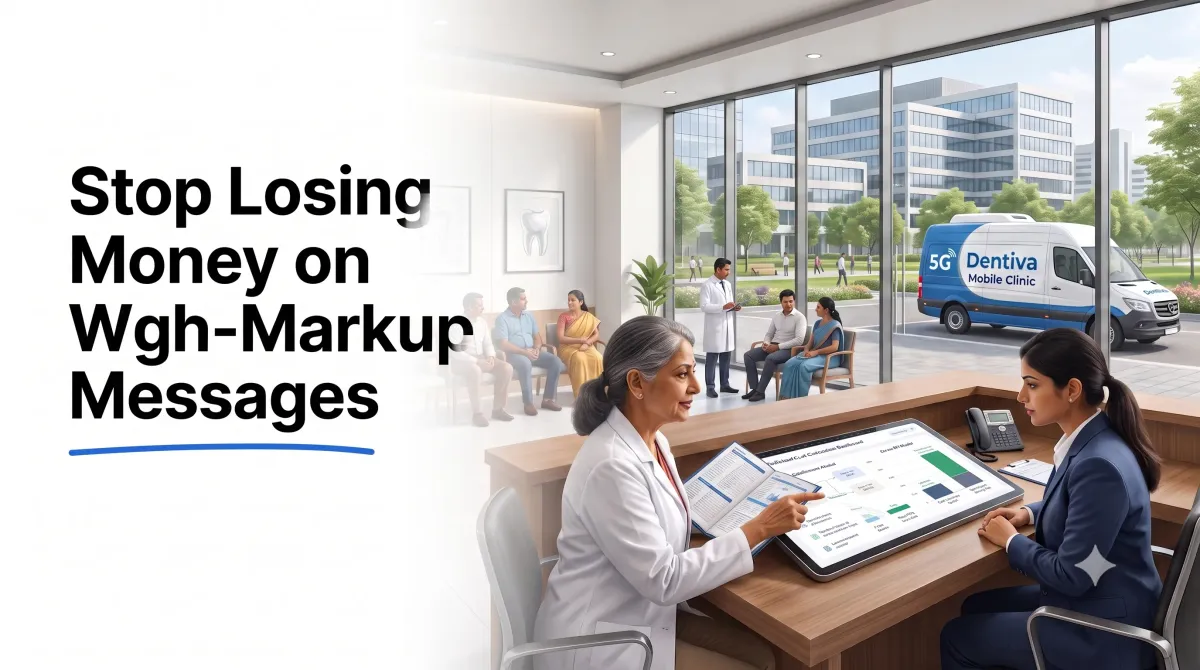
Automated systems keep clinic workflows fully connected.

In today's digital-first healthcare landscape, patient expectations have fundamentally shifted. Modern dental patients are no longer willing to navigate clunky scheduling portals, answer intrusive phone calls during work hours, or manage critical clinic updates via email. They demand instant, secure, and frictionless communication on the platform they use every single day: WhatsApp.

With over 500 million active users in India alone, WhatsApp has transitioned from a simple messaging application into the primary operating layer for consumer interactions. For dental practices, integrating official WhatsApp communication is no longer a luxury or an experimental marketing channel - it is a critical operational necessity that directly impacts patient acquisition, retention, and daily chair utilization.

This guide explores the unmatched efficiency of WhatsApp communication for dental clinics, highlighting the power of official Meta integrations and how automated cadences transform clinic operations.


The Power of the Official Meta WhatsApp Business API

Many dental clinics attempt to manage patient communications using standard personal WhatsApp accounts or unverified web-scraping software. This approach is highly unstable, risks permanent phone number bans by Meta, and fails to establish professional credibility.

Transitioning to the Official Meta WhatsApp Business API unlocks several key benefits:

1. Verified Brand Trust and Identity

Unlike personal accounts, official business profiles display your verified clinic name, logo, physical address, and contact information directly in the chat header, even if the patient has not saved your number in their contacts. This immediate verification builds clinical trust and encourages high interaction rates.

2. Interactive Quick-Reply Buttons

Standard text messages require patients to manually type replies, introducing friction that lowers response rates. The official API supports interactive, single-tap quick-reply buttons (e.g., "Confirm Appointment", "Reschedule Visit", "Submit Feedback"). This simple interactive element boosts patient response rates by more than 40%.

3. Rich Media Capabilities

Clinical instructions are far more effective when communicated visually. Official WhatsApp integration enables clinics to share high-resolution pre-treatment preparation PDFs, dental health instruction videos, post-op care guides, and Google Maps location links directly within the chat window.


Transforming the Patient Journey with Automated Cadences

Integrating WhatsApp directly with your clinic's Practice Management Software (PMS) allows you to automate critical touchpoints across the entire patient lifecycle:

A. Frictionless Appointment Confirmations

Automated confirmation sequences trigger immediate booking receipts followed by interactive 24-hour reminders. If a patient taps "Confirm," the scheduler updates in real-time. If they tap "Reschedule," the system prompts them to select a new slot, allowing your staff to immediately allocate the newly opened chair time to waitlisted patients.

B. High-Conversion Patient Recalls

Recalling past patients for hygiene check-ups, scaling, or implant reviews is the most cost-effective way to fill your schedule. Automated recall triggers monitor last-visit dates in your database and dispatch personalized, clinical reminders containing self-scheduling links, maintaining consistent chair utilization without manual staff follow-up.

C. Automated Google Reviews Collection

A clinic's online reputation is its most powerful organic growth engine. Post-treatment WhatsApp triggers can automatically send thank-you notes containing direct Google Review links a few hours after checkout, routing satisfied patients to share their experiences and dramatically boosting your search ranking authority.


Operational Efficiency: Reclaiming Front-Desk Hours

When a clinic relies on manual phone calls or manual text messaging, the reception desk is turned into a reactive call center. Receptionists spend hours dialing unconfirmed patients, copy-pasting reminders, and chasing outstanding payments.

By automating communication via official WhatsApp channels, clinics enjoy significant operational relief:

  • Eliminate Manual Labor: Confirmation templates, recall cadences, and review requests are dispatched automatically based on calendar status.
  • Reduce No-Shows: Consistent, interactive 24-hour reminders minimize last-minute cancellations and empty chairs.
  • Frictionless Invoices & Payments: Send GST-compliant invoices and direct UPI payment links via WhatsApp so patients can settle remote balances in seconds.

Common Mistakes to Avoid

To make sure your WhatsApp communication remains professional and compliant, avoid these typical errors:

1. Using Unofficial Web Scrapers

Web-scraping tools scan QR codes on desktop sessions to broadcast automated messages. Meta's anti-spam algorithms actively flag and permanently ban phone numbers using these methods, completely cutting off your clinic's primary communication line. Always connect through an official Meta Business Solution Provider.

2. Treating WhatsApp Like a Broadcast Board

Sending frequent, unsolicited promotional messages or generic holiday discounts devalues your clinic's medical credibility. Patients will block your number, lowering your quality score. Keep communications personalized, clinical, and utility-focused.

3. Omitting Opt-Out Options

Every automated sequence must respect patient preferences. Make sure your templates include a clear opt-out action (like a "Stop" quick-reply button) so patients can choose to mute automated alerts, protecting your sender reputation.


Quick Action Checklist

Establish your WhatsApp communication system with this checklist:

10-Template GuideCopy-Paste Guide

The 10-Template WhatsApp Flow Guide

Get the exact WhatsApp confirmation and staggered reminder scripts that slash no-shows by 40% without spamming your patients.

#whatsapp#patient-engagement#clinic-software#marketing#automation
Was this helpful?

You might also like

Active vs. Inactive Patients: Dental Database AuditPatient Management

Active vs. Inactive Patients: Dental Database Audit

Are your patient records sitting idle on hard drives? Learn how to audit your clinical database and set up automated WhatsApp reactivation campaigns to restore lost cases.

Dr. Rohan Kulkarni8 min read
AI in Dentistry: Practical Ways to Automate Your ClinicAI Automation

AI in Dentistry: Practical Ways to Automate Your Clinic

Cut through the hype and discover how practical AI tools are transforming dental diagnostics, patient communication, and appointment scheduling today.

Dr. Anya Sharma8 min read
AI-Driven Patient Intake for Dental ClinicsAI Automation

AI-Driven Patient Intake for Dental Clinics

How AI-driven patient intake portals pre-screen clinical histories, flag systemic medical risks, and research inbound clinic leads automatically.

Dr. Rohan Mehta10 min read

Ready to scale your clinic?

Join the dental practitioners already automating their revenue with Dentiva. Book your personalized demo today.

Dentiva Logo

Modern Clinical Dental Management.

Product

FeaturesPricingProduct

Solutions

Who We HelpSolo PracticeGrowing ClinicMulti-Branch

Resources

BlogHelp & DocsCase StudiesTemplatesSystem Status

Company

About UsContactPrivacy PolicyTerms of Service

Contact Us

support@dentiva.in
Goa, India

© 2026 Dentiva Clinical Systems.Built for Indian Dentists with ❤️

Start Free Trial