DentivaDentiva
Dentiva
FeaturesProductPricing
Solo Practice (1 Chair)Everyday care and admin for your own practice.Growing Clinic (2-4 Chairs)Keep doctors, chairs and your front desk aligned.Multi-Branch NetworkConnect your team across clinic locations.
Resources
BlogsIdeas for running a dental practice.Help ArticlesPractical walkthroughs for Dentiva.Clinic Setup GuideFrom your first plan to opening day.
LoginStart Free Trial
Start Free Trial

Multi-branch dental software.Closer to every clinic.

Dental clinic software for multiple locations in India. Coordinate teams and daily operations.

Book a Free DemoExplore Full Ops
Dental group owner and branch manager reviewing a laptop at a working dental clinic reception in India.
Branch-level scheduling
Role-based access
Location-aware reporting

More locations. More to keep in view.

Appointments, local teams and daily decisions multiply with each new clinic location.

Indiranagar and Jayanagar dental clinic receptions shown side by side, with each local team at work.

A different day at every address

Appointments and chair assignments change locally.

Teams with different responsibilities

Doctors, managers and reception need appropriate access.

A bigger picture to understand

Recorded activity needs its location and date context.

See the group. Step into a branch.

Switch between authorized locations and keep the selected branch in view.

Download the branch-switching video
Explore the Dentiva product

Local teams. Clear responsibilities.

Set access by role and location. Coordinate visiting doctors around branch schedules.
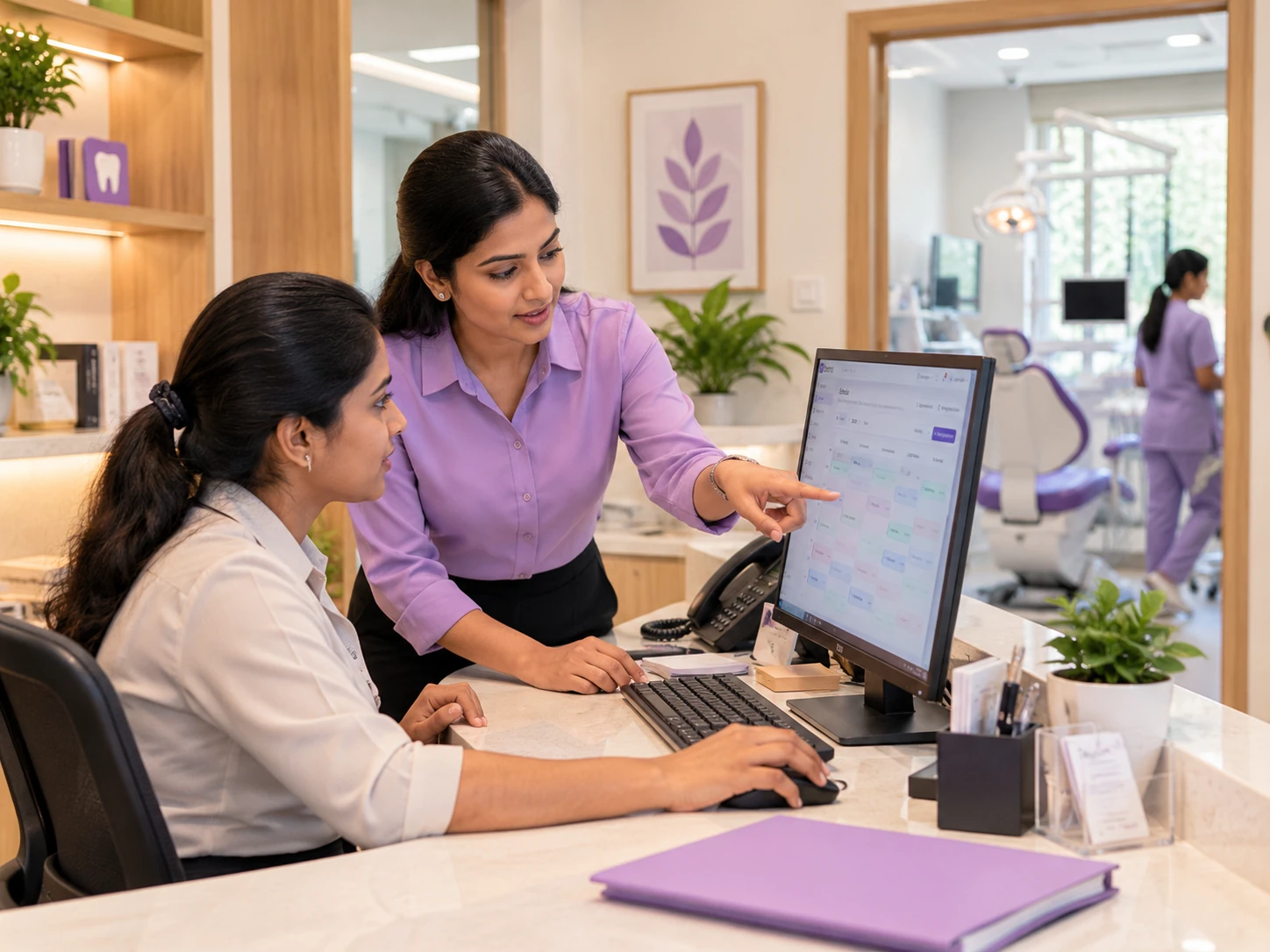
Branch manager and receptionist reviewing the dental clinic appointment calendar together.

At each front desk

Work with the right branch, doctor and appointment context.

Visiting specialist and associate dentist reviewing a tablet beside a dental treatment room.

Across clinical teams

Review availability and permitted records before the visit.

Explore doctor & chair scheduling

A familiar experience at every address.

Confirm the location, prepare for care and give the patient a clear next step.
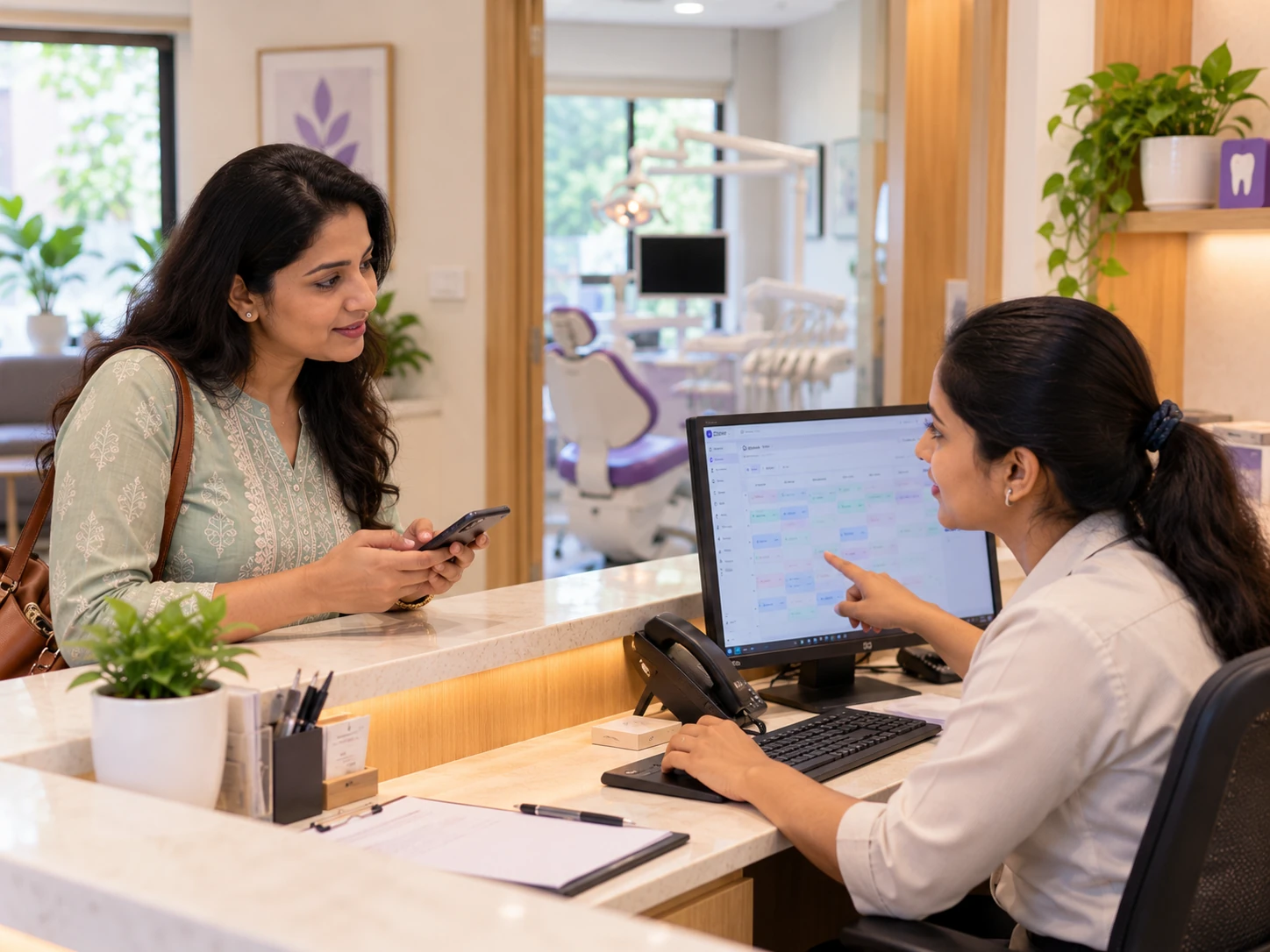
Receptionist confirming an appointment with a patient at the dental clinic front desk.
Dentist and patient reviewing a tablet together beside the dental chair.
  1. 1

    Confirm the location

    Book the right branch, doctor and time.

  2. 2

    Prepare for care

    Open patient information your role and branch access permit.

  3. 3

    Plan the return

    Record the next visit or a clinically planned recall.

Explore patient recordsExplore WhatsApp reminders & recalls

Understand the work behind each location.

Review appointments, recorded collections and dues with the right branch and date context.

Revenue Report
Last 30 days25 Sep – 24 Oct 2026

Indiranagar

Revenue
₹1,42,316
Collections
₹0
Outstanding
₹1,42,316
Invoices
24

Revenue trend

04 Oct11 Oct17 Oct24 Oct
Indiranagar — Revenue Report, 25 Sep – 24 Oct 2026
DateRevenueCollections
04 Oct₹1,516₹0
11 Oct₹11,800₹0
17 Oct₹500₹0
24 Oct₹1,28,500₹0

Jayanagar

Revenue
₹96,420
Collections
₹12,500
Outstanding
₹83,920
Invoices
18

Revenue trend

04 Oct11 Oct17 Oct24 Oct
Jayanagar — Revenue Report, 25 Sep – 24 Oct 2026
DateRevenueCollections
04 Oct₹5,200₹0
11 Oct₹18,450₹2,500
17 Oct₹12,270₹0
24 Oct₹60,500₹10,000

Appointments

See recorded visit activity and statuses.

Collections

Review payments recorded by the team.

Pending dues

Keep outstanding patient balances in view.

Explore practice reports & analytics

A plan for more than one address.

Choose your setup around your locations, team and usage.

Dental group owner and branch manager planning clinic setup together at a laptop.

Full Ops

₹3,199/ month

Billed monthly

2
Branches included
25
Doctor accounts
25
Staff accounts

10,000 appointments and 2,500 WhatsApp credits per month.

Compare plans & inclusions

Build the rollout around your clinics.

  • Review a sample patient-directory import.
  • Set branch assignments and staff permissions.
  • Test a complete visit with each location’s team.
Discuss your branch setup

Questions from dental clinic groups.

Practical answers for owners and managers working across multiple locations.

Dentiva brings branch-aware appointments, patient workflows, staff permissions, billing and reports into one practice workspace. Owners and administrators can review supported activity across locations, while staff work within their assigned access. Multi-branch refers to separate physical clinic locations; chair count alone does not define a multi-branch practice.

Full Ops includes 2 branches, 25 doctor accounts and 25 staff accounts at ₹3,199 per month when billed monthly. The subscription includes 10,000 appointments and 2,500 WhatsApp credits per month. Review your total team and usage across locations, and discuss any additional branch requirements before choosing the plan.

Yes. Staff access depends on their role permissions and assigned locations. Team members with more than one authorized branch can switch between those locations. Owners and administrators with all-branch access can use the broader view. Check representative staff accounts during setup so each team works with the intended records and actions.

Access to patient information depends on the clinic workspace, branch visibility and the dentist's permissions. Confirm the intended clinical handoff with actual staff roles during your demo. Separate clinic workspaces are not automatically merged, and a branch switch does not give every user unrestricted access to every patient record.

Authorized staff can review available branch-aware reports with the appropriate date scope. Compare appointments, revenue records, recorded collections and outstanding balances against their underlying records. Collections reflect payments entered by the team; operational reports do not replace a complete accounting or profit-and-loss assessment.

Give the doctor access to the relevant locations, configure their availability and check the selected branch before booking. Keep the appointment, doctor and chair details together so reception and the clinical team can prepare. Confirm each specialist's schedule and staff permissions during setup.

Supported patient-directory fields can be imported from CSV or Excel (.xlsx). Start with a small sample to check field mappings and duplicates, then plan the rollout with each branch's team. Clinical histories, attachments and direct transfers from another system need a separate scope review; a directory import does not migrate every type of record.

Bring your clinic network into view.

Walk through your locations, teams and everyday decisions in a free Dentiva demo.

Book a Free DemoExplore all features
Dentiva Logo

Modern Clinical Dental Management.

Product

FeaturesPricingProduct

Solutions

Solo PracticeGrowing ClinicMulti-Branch

Resources

BlogHelp & DocsTemplates

Company

About UsContactPrivacy PolicyTerms of Service

Contact Us

support@dentiva.in
Goa, India

© 2026 Dentiva Clinical Systems.Built for Indian Dentists with ❤️

Start Free Trial