DentivaDentiva
Dentiva
FeaturesProductPricing
Solo Practice (1 Chair)Everyday care and admin for your own practice.Growing Clinic (2-4 Chairs)Keep doctors, chairs and your front desk aligned.Multi-Branch NetworkConnect your team across clinic locations.
Resources
BlogsIdeas for running a dental practice.Help ArticlesPractical walkthroughs for Dentiva.Clinic Setup GuideFrom your first plan to opening day.
LoginStart Free Trial
Start Free Trial

A growing dental team.One shared clinic day.

Multi-doctor dental software for 2–4 chair clinics in India. Keep doctors, chairs and front desk in sync.

Book a Free Demo
Clinic owner, associate dentist and receptionist reviewing the day together at a dental clinic in India.

When the clinic gets busier.

More chairs bring more handoffs. Small gaps can leave the whole team waiting.

  • Bookings that overlap
  • A chair waiting for its patient
  • Changes the front desk missed
  • A doctor waiting for context
  • A return visit left unplanned
Associate dentist and receptionist checking an appointment change at the clinic front desk.

Let the whole team see the day.

Appointments, patient records and follow-up work in one dental clinic workspace.
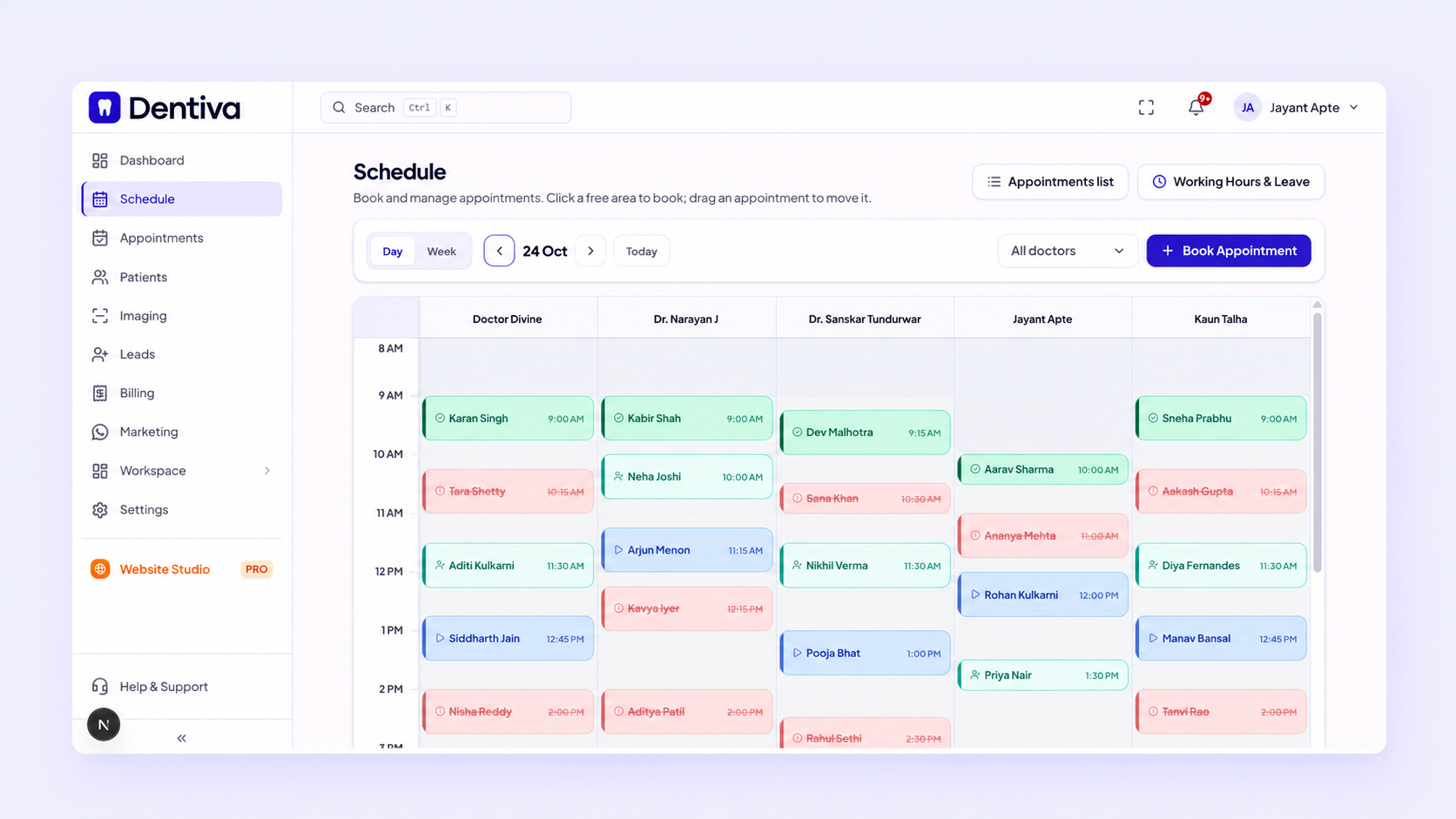
Dentiva schedule displaying appointments across several doctors, with different visit statuses.

At the front desk

Check the booking, doctor and chair together.

With the doctor

Open the patient record before care begins.

For the clinic owner

Review recorded activity and outstanding dues.

See the complete Dentiva workspace

Keep every handoff moving.

Follow one visit across the team, from the first booking to the planned return.

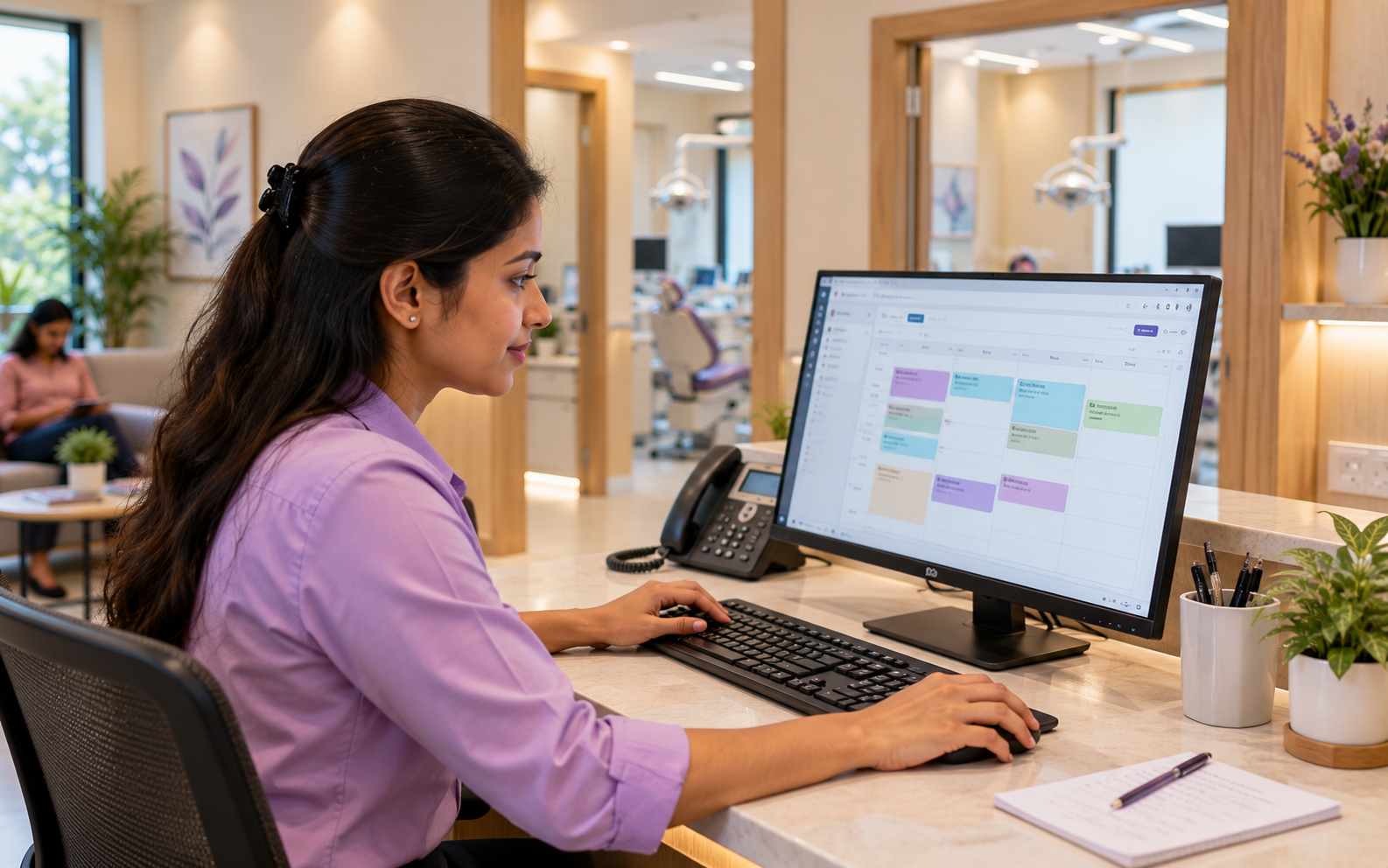
Give every visit a place in the day.

Check availability and record the patient, doctor and appointment time.
Front desk
Explore appointment scheduling
Receptionist using the appointment calendar at the dental clinic front desk.

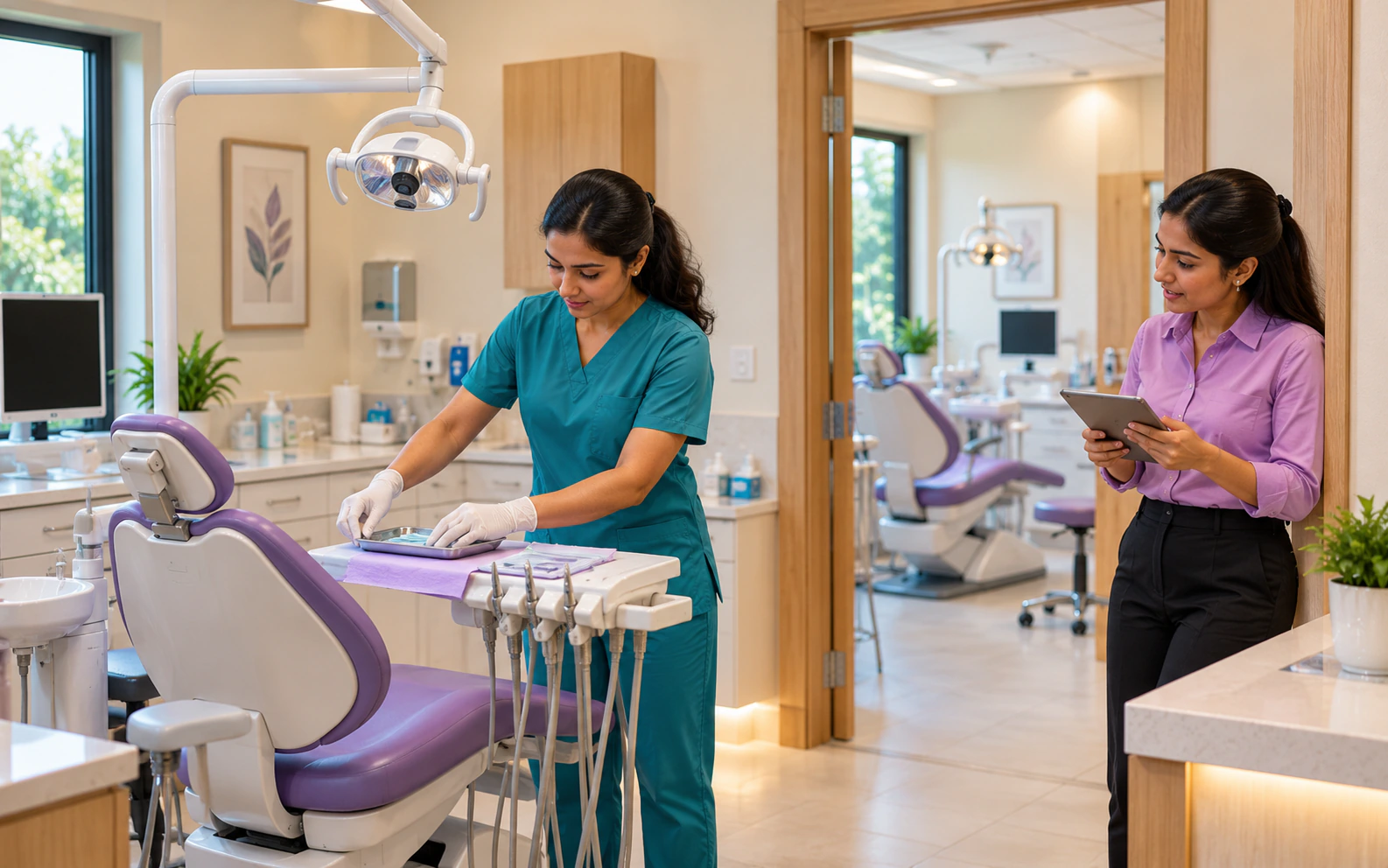
Know where the next patient belongs.

Assign the chair and check the slot before the patient arrives.
Front desk
Explore chair scheduling
Dental team member preparing a chair while the receptionist coordinates care from the doorway.

Keep associate doctors in the loop.

Use doctor schedules and patient history to prepare for the consultation.

Doctor & front desk
Explore patient records
Owner and associate dentist reviewing patient context together on a tablet.

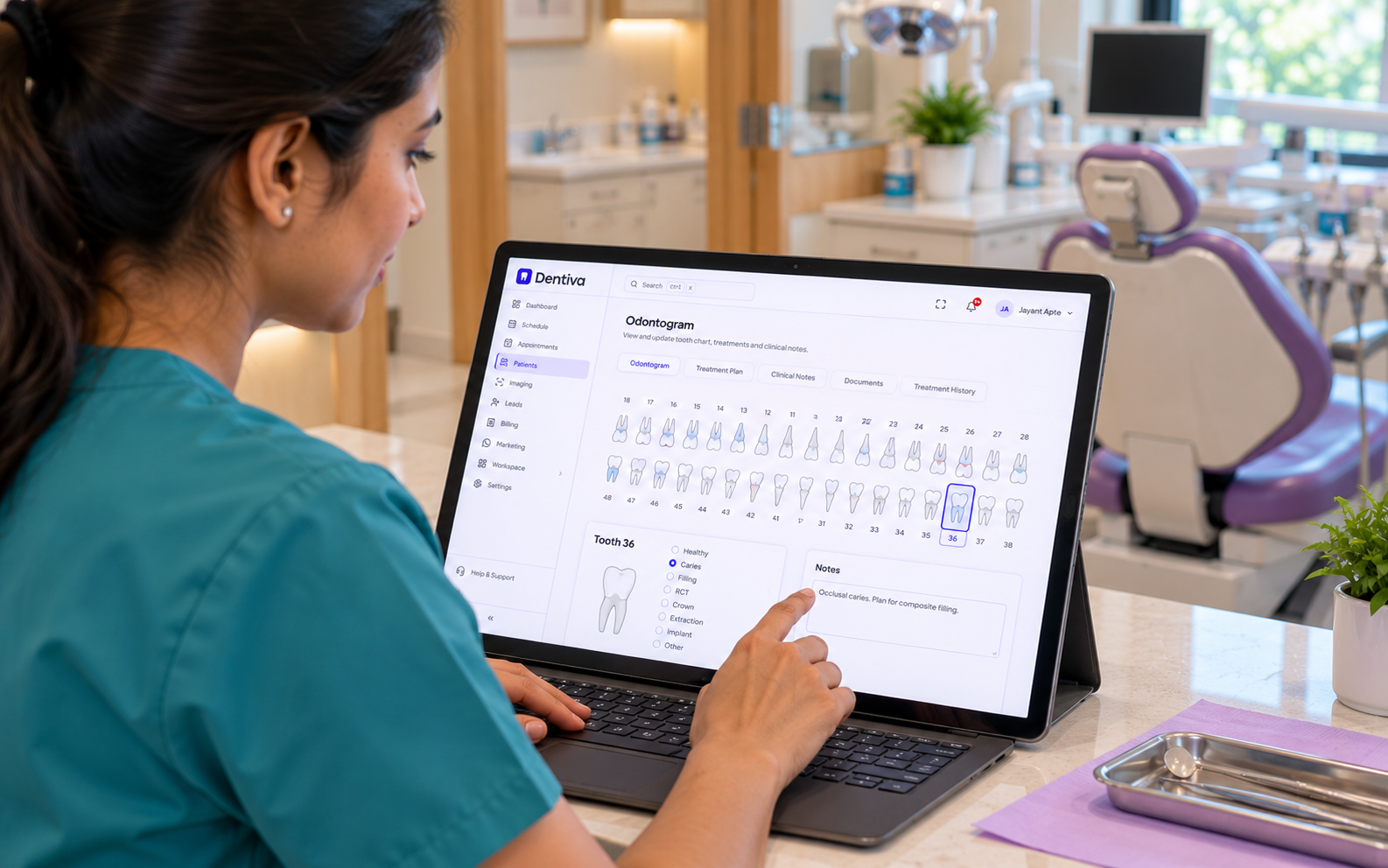
Leave a clear record for the next visit.

Keep tooth findings, treatment records and clinical notes with the patient.
Clinical team
Explore dental charting
Dentist reviewing the Dentiva odontogram and tooth-level clinical notes on a laptop.

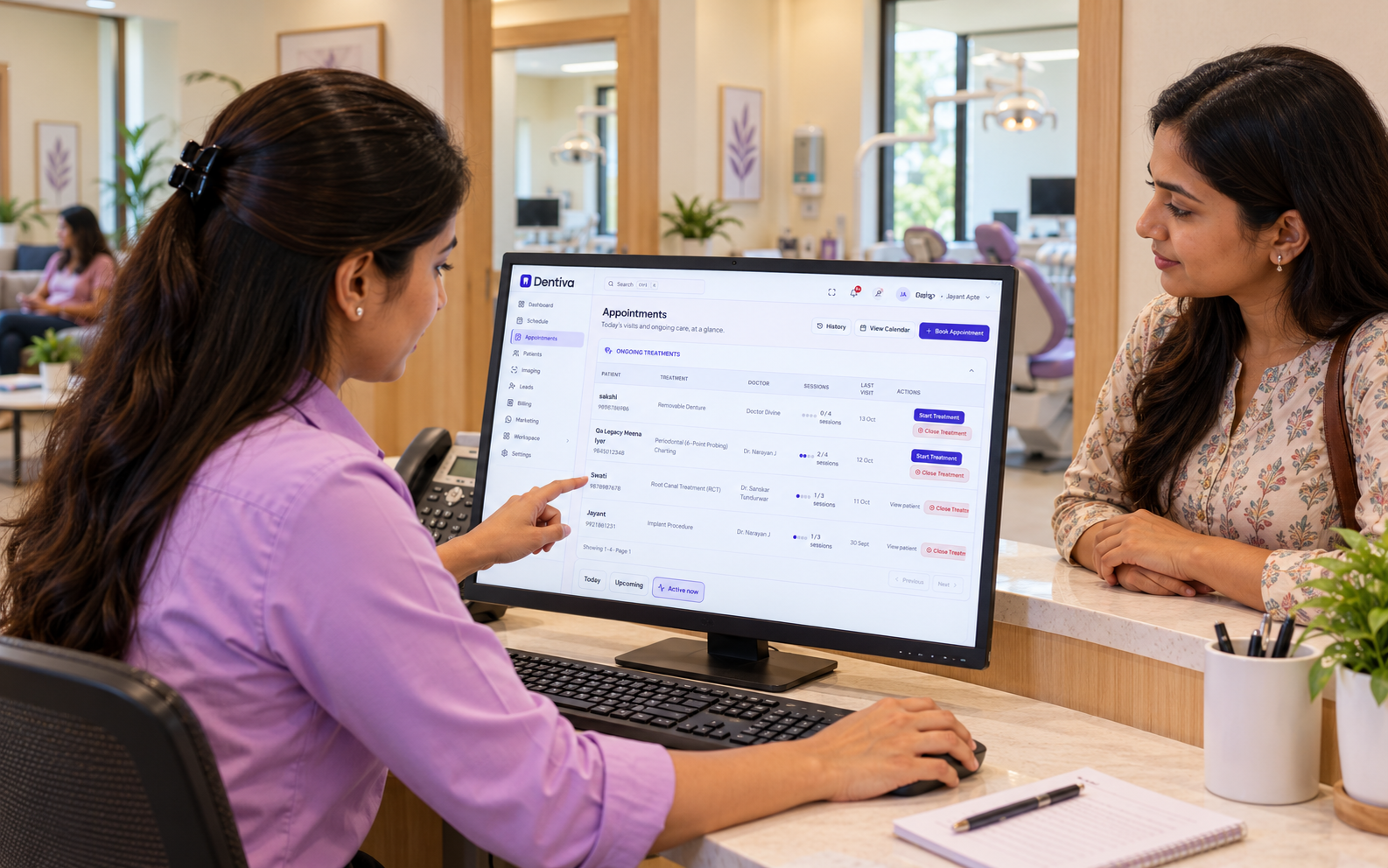
Make the next step someone’s task.

Record the planned return, set a recall due date and arrange the next booking.
Clinical team & front desk
Explore WhatsApp recalls
Receptionist discussing ongoing dental treatment visits with a patient at the clinic desk.

Keep the next visit from getting lost.

For multi-visit care, keep the clinical record and planned follow-up connected.
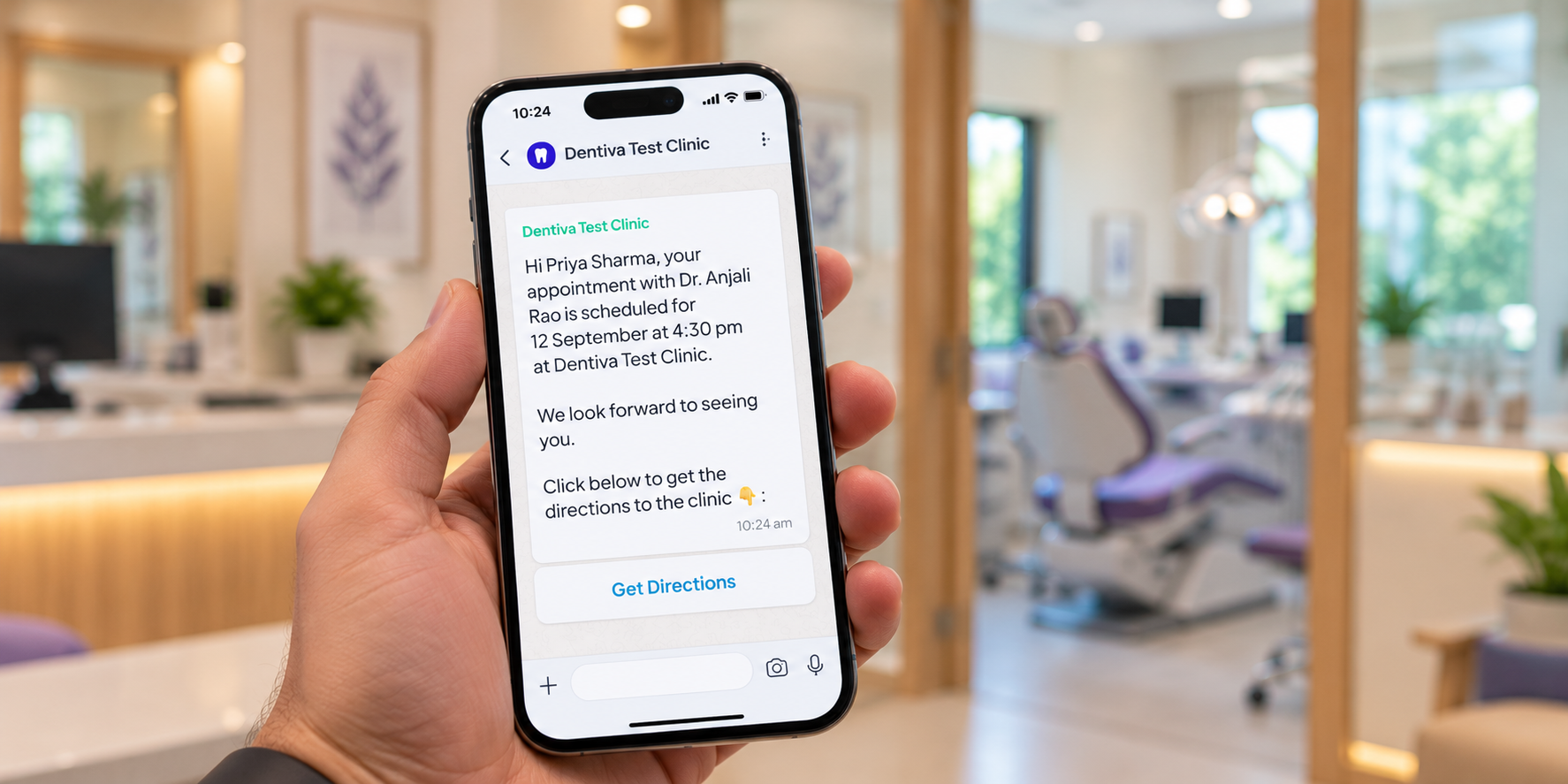
Phone displaying a Dentiva WhatsApp appointment message with visit details and clinic directions.

Review the case

Check the notes for RCT, crown or implant care.

Explore dental charting

Set the follow-up

Record a due date for a clinically planned return.

Explore patient recalls

Keep dues in view

Review recorded payments and any outstanding balance.

Explore billing & dues

Room for the team you’re building.

A practical plan for a growing, multi-doctor dental clinic.
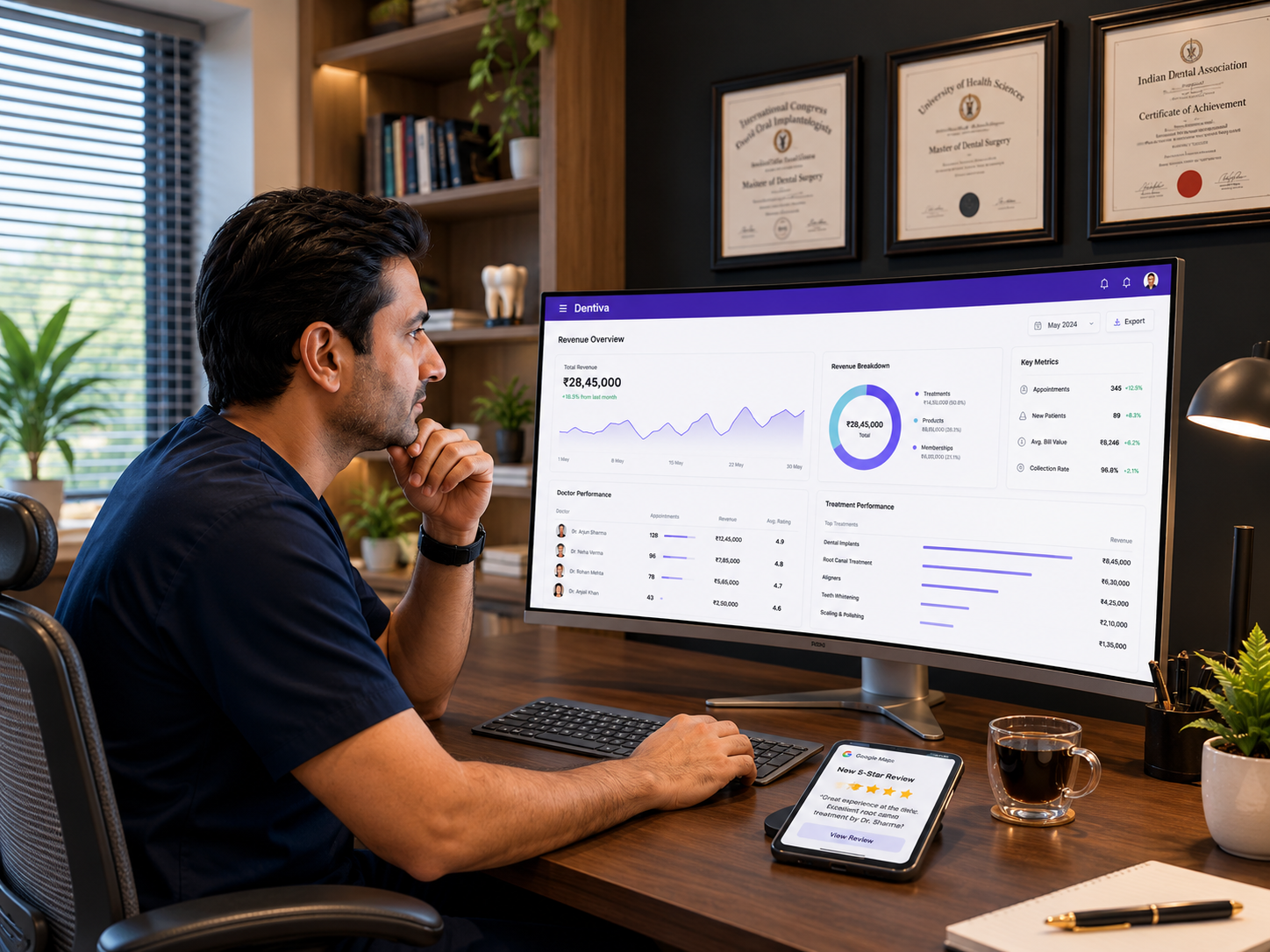
Dentist reviewing clinic revenue and doctor performance beside a Google review notification.

Growth

₹1,599/ month

Billed monthly

  • Scheduling & patient records
  • Clinical charting & billing
  • Website Studio & lab workflows
Compare plans & inclusions

10

Doctor accounts

10

Staff accounts

1,000

WhatsApp credits / month

Bring the team with you.

Plan the switch around your clinic, then work through setup together.

Talk through your clinic setup

Start with a sample

Check a small patient-directory import before moving your list.

Set the right access

Give doctors and front-desk staff appropriate permissions.

Get help as you go

Use help guides and support to work through the setup.
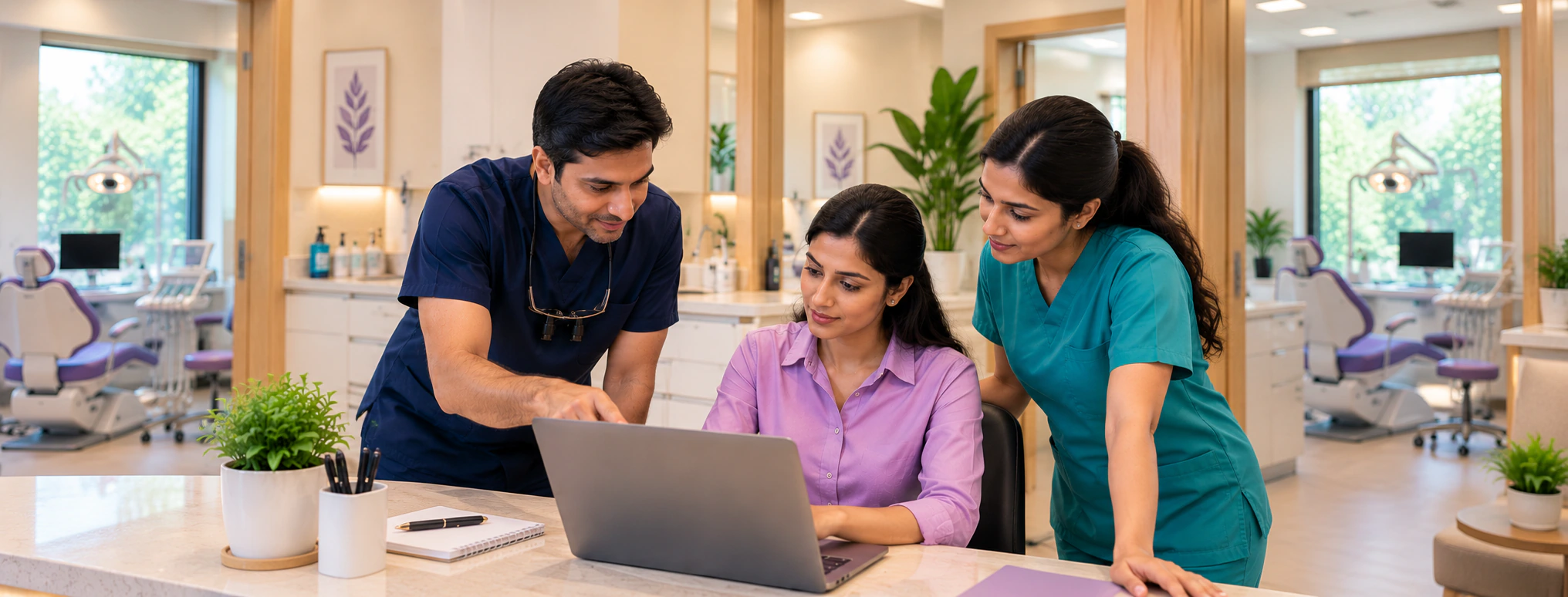
Dental clinic team working through their shared workflow on a laptop before the next clinic day.

Questions from growing clinics.

Practical answers for your doctors, front desk and clinic owner.

Your team can check doctor availability and record a doctor and chair against the appointment. Staff can review the schedule and update bookings as the clinic day changes. Check working hours, leave and chair allocation during setup so the calendar reflects how your practice runs.

Growth costs ₹1,599 per month when billed monthly. Its limits include 10 doctors, 10 staff accounts, 5,000 appointments and 1,000 WhatsApp credits per month for one branch. Plan fit depends on your team, usage and enabled modules; compare the complete inclusions before choosing.

Dentiva uses role-based permissions for clinical, front-desk and administrative work. Give each team member appropriate access and review the available roles before inviting staff. Permissions determine which records and actions an account can use.

Keep the treatment record and clinically planned return date with the patient, then create a recall task for follow-up. Recalls differ from reminders for an existing appointment. Sending depends on clinic settings, patient permissions, approved templates and credits; a message does not book the next visit automatically.

Supported patient-directory fields can be imported from CSV or Excel (.xlsx). Test a small sample to check mappings and duplicates first. Clinical histories, attachments and direct transfers from another vendor need a separate scope review; a directory import does not migrate every record.

Invoices, recorded payments and outstanding balances stay associated with the patient. Staff with billing permissions can review dues and record a verified payment against the invoice. Sending a payment request or receiving a WhatsApp reply does not mark an invoice paid automatically.

Start with a sample import, configure doctors and chairs, review staff permissions and test a complete visit together. Plan the move around the clinic schedule and use help guides or support for setup questions. Timing depends on your source data and configuration requirements.

Let’s plan your clinic’s next stage.

Bring your doctors, chairs and front-desk workflow to a free Dentiva demo.

Book a Free DemoExplore the product
Dentiva Logo

Modern Clinical Dental Management.

Product

FeaturesPricingProduct

Solutions

Solo PracticeGrowing ClinicMulti-Branch

Resources

BlogHelp & DocsTemplates

Company

About UsContactPrivacy PolicyTerms of Service

Contact Us

support@dentiva.in
Goa, India

© 2026 Dentiva Clinical Systems.Built for Indian Dentists with ❤️

Start Free Trial