How to turn on automated WhatsApp reminders?
Enable automated WhatsApp appointment reminders, confirmations, payment receipts, and hygiene recalls.
3 min read · Last updated November 2026
1. Navigate to Settings > Clinic Profile
Go to your clinic settings to find WhatsApp automation options:
- Click Settings (gear icon) in the left sidebar.
- Select the Clinic profile tab at the top.
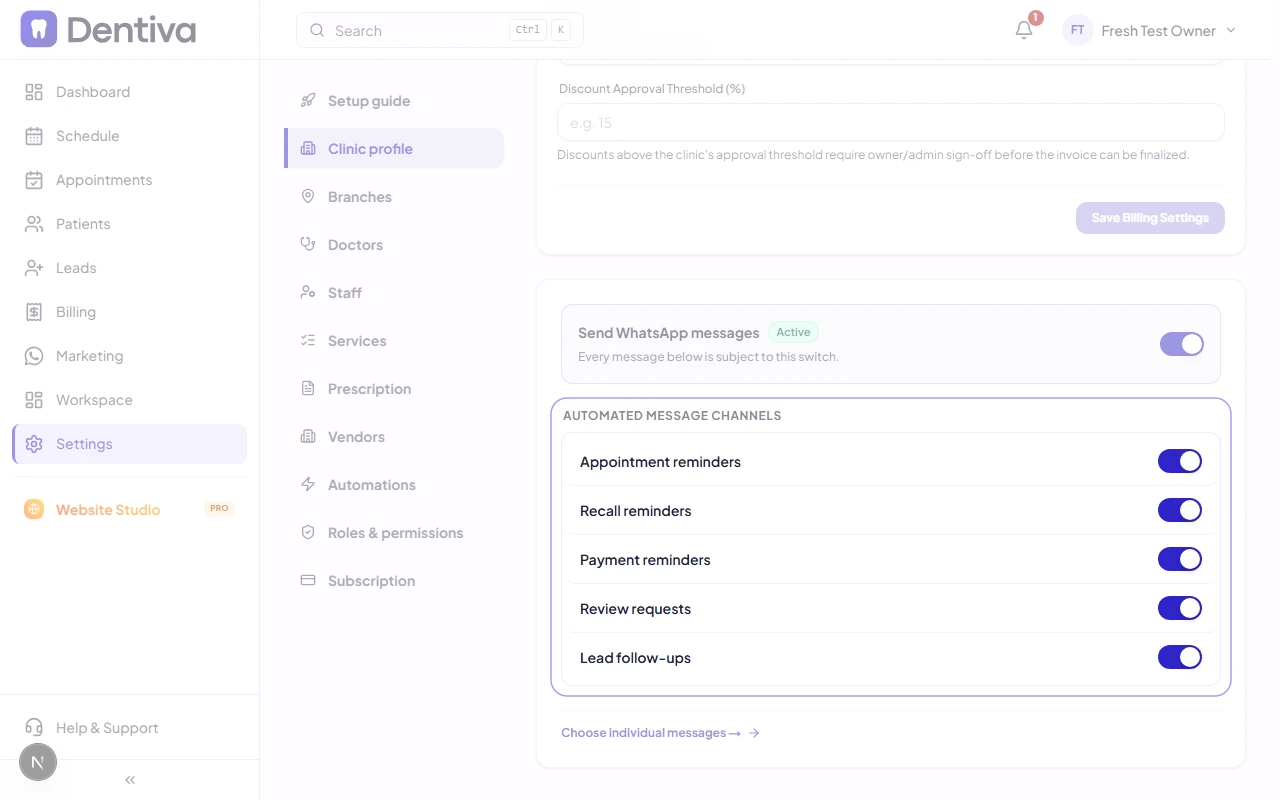
- Scroll down to the WhatsApp Automations card.
- Alternatively, open Settings > Automations if you want to set up custom clinic triggers.
2. Enable Master WhatsApp Messaging Switch
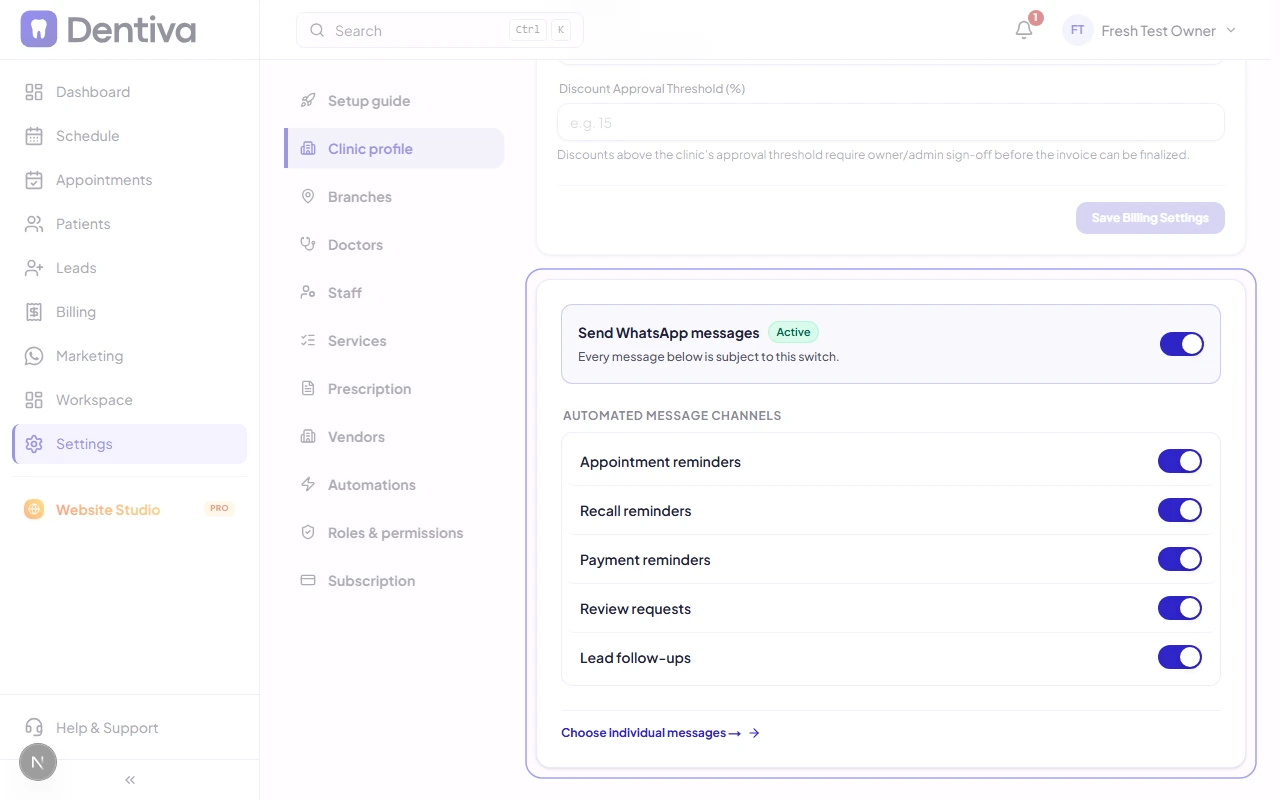
Turn on outbound messages for your clinic:
- Locate the Enable WhatsApp Messaging master toggle.
- Switch it to ON (active green state).
- When active, Dentiva will automatically send scheduled reminders and alerts from your clinic's verified business number.
3. Toggle Specific Notification Types
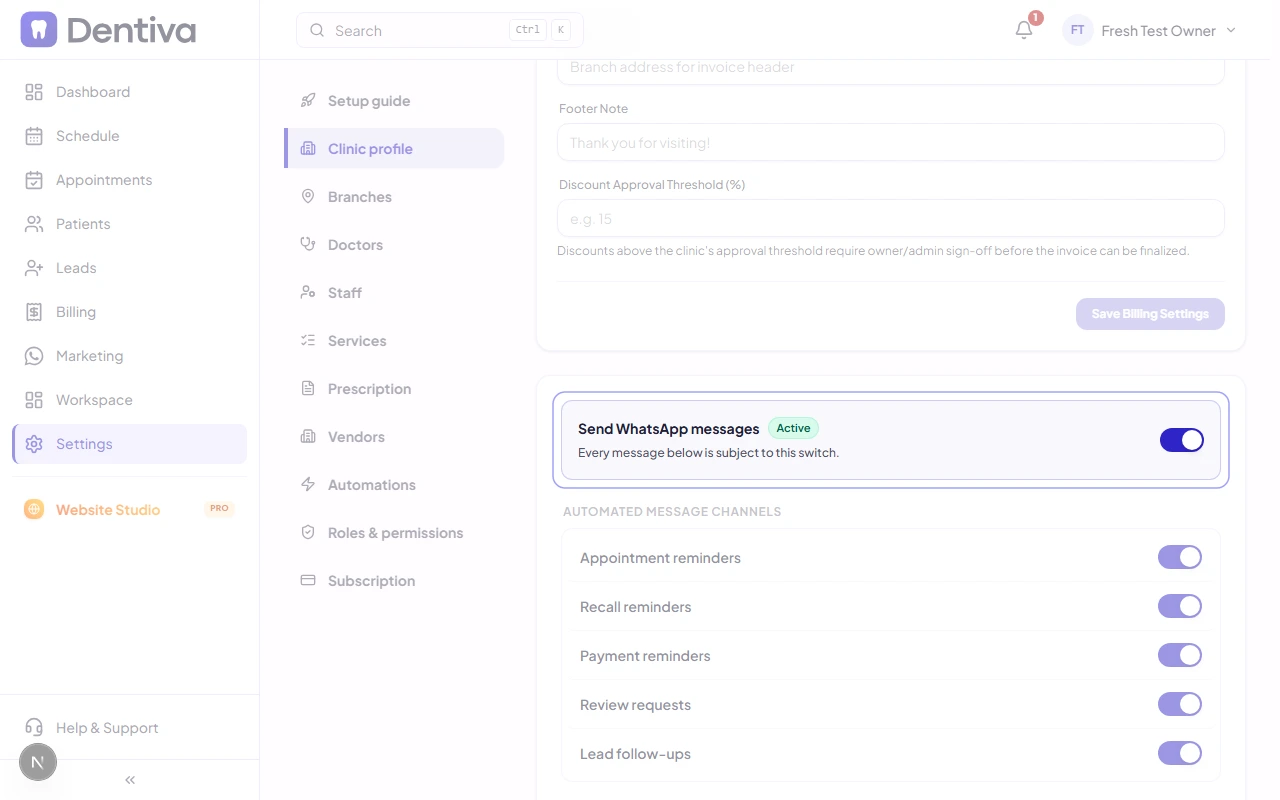
Choose exactly which automated messages your patients receive:
- Appointment Reminders: Sends reminders 48 hours and 4 hours before the visit. The 24-hour and 1-hour reminders are off until you switch them on in Marketing > Templates. A reminder is skipped if it would go out less than 4 hours after the booking was made, so a patient who books close to the visit only gets the confirmation and any later reminders.
- Appointment Confirmations: Messages the patient within seconds when their visit is booked or rescheduled. Cancellations, prescriptions, paid invoices and Nudge also go out within seconds.
- Missed Appointments: Sent at 8 PM on the day, only to patients who never arrived. A patient you mark Arrived, In progress or Completed — even if they came late — never gets it.
- Quiet Hours: Review requests, recalls and automatic overdue-payment reminders are never sent between 9 PM and 9 AM; they go at 10 AM instead.
- Payment & Invoice Receipts: Sends billing receipts with convenient instant UPI payment links, and, once you switch on the Invoice PDF template, the paid invoice as a PDF when an invoice is fully paid.
- Prescription PDF: Sent only when the doctor ticks Send prescription to patient on WhatsApp while saving a prescription.
- Doctor Schedule (Tomorrow): Off until you switch it on; then sends each doctor with appointments tomorrow a WhatsApp at 8 PM with a View Schedule button.
- Patient Recalls: Delivers friendly 6-month checkup reminders to patients due for care.
- Google Review Requests: Invites satisfied patients to leave a 5-star Google review after completing treatment. If a patient taps It was good and your clinic has no Google review link saved, they still get a thank-you reply.
- Booking buttons: Messages with a Book Appointment or Reschedule Appointment button (cancellation, missed appointment, doctor absence, and routine check-up reminders) are not sent while your clinic's plan or trial has lapsed, because your online booking page is inactive until you renew.