Cloud vs installed dental software.A plain comparison for Indian clinics.
How Dentiva compares with older installed dental software on setup, data, WhatsApp, website, cost and switching.
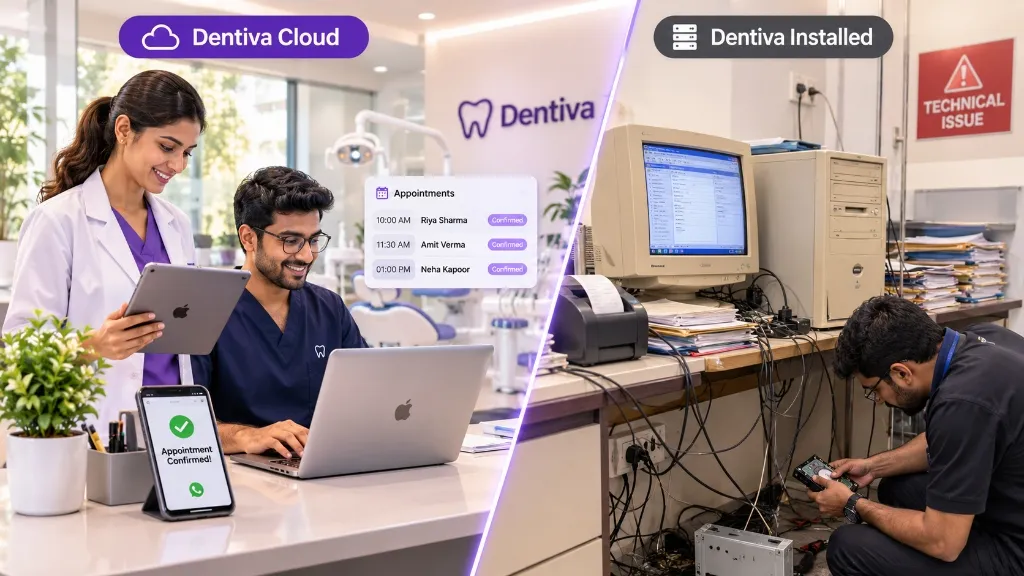
The short answer.
Neither type fits every practice. Here is how to tell which one fits your clinic.
Installed software runs on a local computer that you maintain. Cloud software runs in any web browser with vendor-managed backups, automatic updates and instant multi-device access.
Dentiva fits if you want
- To open the clinic from any computer, tablet or phone
- WhatsApp reminders and a booking website in the same system as your patient records
- A monthly or yearly subscription instead of a large upfront licence
- Doctors, reception and staff on separate logins with their own access
- Software that is updated for you, without a technician visit
Installed software may fit if you need
- •To keep working when the internet is down for long periods
- •A one-time licence and your own server, and you are happy to manage backups
- •Every old attachment and treatment note moved across automatically
- •A tool your clinic already knows well and does not want to change
Honest Advice: If your clinic has zero reliable internet connectivity and you have a dedicated in-house IT staff, legacy desktop software may suffice.
What cloud and installed software mean.
Two plain definitions before the detailed comparison.
Cloud dental software
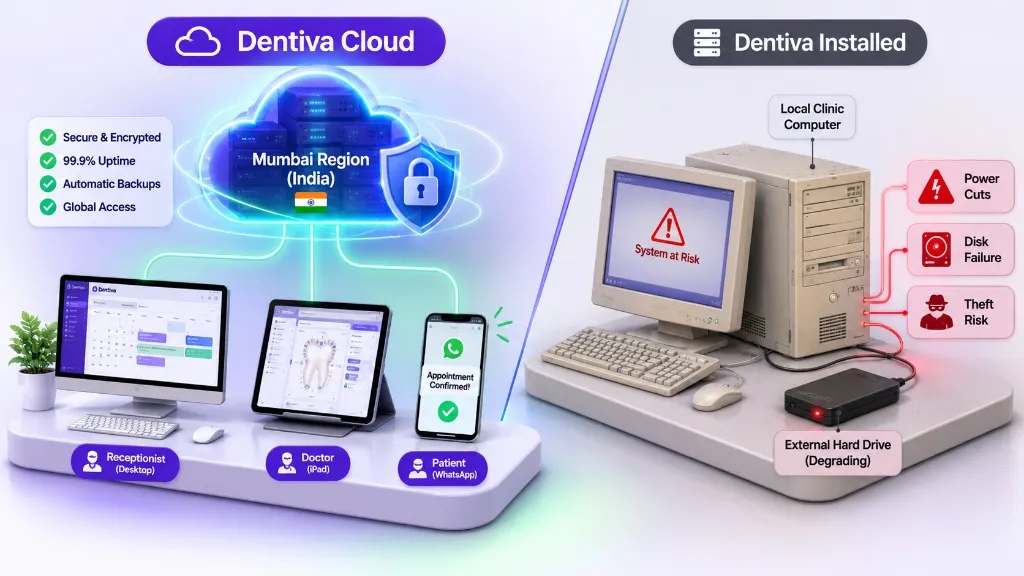
You sign in through a web browser. The software and your patient records sit on the vendor's secure servers, and you pay a subscription. Updates reach every clinic at once. It needs an internet connection to load and save records.
Clinic Reality:
Dentiva is cloud software. Your records are stored in India (Mumbai region).
Installed dental software
The program is installed on a clinic computer or a local server. Records are stored on that machine, so the clinic is responsible for backups, power cuts and repairs. It is usually bought as a licence, often with yearly support charges.
Clinic Reality:
Many older desktop dental systems work this way, and some can run without internet.
Detailed comparison, topic by topic.
Dentiva against the typical older installed system. Individual products differ, so check each one.
Setup and access
Installed software starts with a technician and a computer. Cloud software starts with a sign-in. This changes how fast you can begin and where you can work from.
Guided setup for clinic details, doctors, chairs and WhatsApp. Nothing to install.
Installed on a clinic computer or server. Setup and updates often need a technician.
Any computer, tablet or phone with a browser and internet.
Often only on the clinic computer or the clinic network.
Applied by Dentiva. Nothing for your team to install.
Often a manual update, sometimes a paid visit.
Yes. Dentiva needs an internet connection to load and save records.
Many installed products keep working offline.
General comparison of Dentiva with older installed (desktop or on-premise) dental software. Individual products vary, so confirm details with any vendor before you decide.
What it really costs over three years.
Add every line on both sides before you compare. The licence price alone misleads.
The 3-Year Reality: Prices for installed software vary widely by vendor, so we do not quote a number. Ask each vendor for a written three-year total and compare it with the plan table below.
Which Dentiva plan fits your clinic.
Plans are sized by doctors, staff and branches, not by chair.
Starter
- Up to 2 doctors, 2 staff
- 1 Branch
- 500 WhatsApp credits/mo
Growth
- Up to 10 doctors, 10 staff
- 1 Branch
- 1,000 WhatsApp credits/mo
Full Ops
- Up to 25 doctors, 25 staff
- 2 Branches
- 2,500 WhatsApp credits/mo
Billed monthly, plans cost more per month. Website builder is on Growth and above. Pharmacy and inventory tracking, and multi-branch support, are on Full Ops. Taxes and add-ons are shown at checkout.
How switching works.
A calm, step-by-step move with no rush and no lost records.
- 1
Check what you have
List what your old system holds: patient details, appointments, invoices, dues, charts, images and notes.
- 2
Know what imports
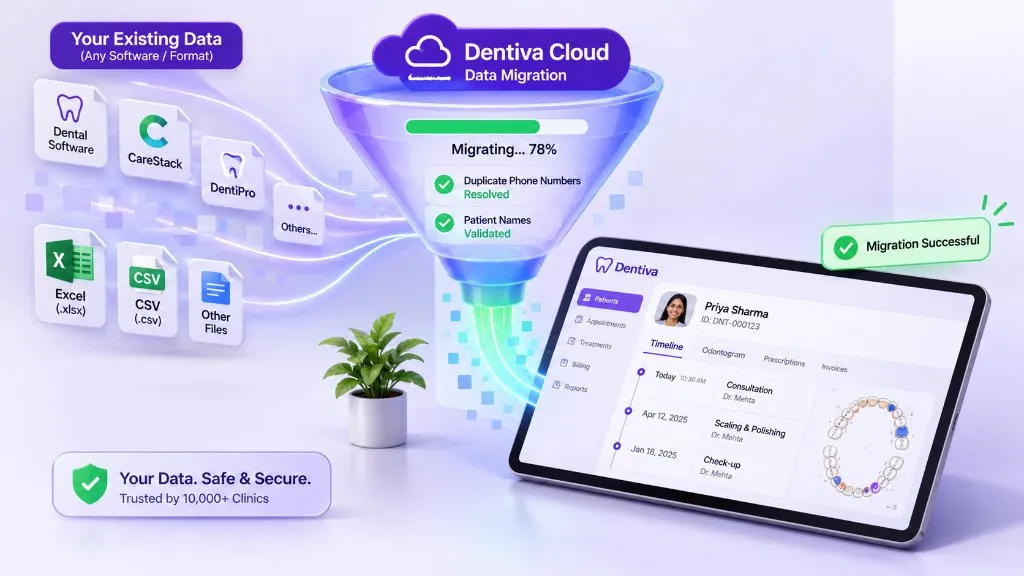
Dentiva's import wizard accepts CSV and XLSX for patients, doctors, services and leads, with column mapping, row validation and duplicate checks.
- 3
Plan the rest separately
Appointments, invoices, payments, structured tooth charts and image attachments are not part of the import wizard. Keep read access to the old records, or agree a handling process.
- 4
Test with a small sample
Import a few patients first. Check names, phone numbers and duplicates before you import the full list.
- 5
Run both for a short time
Keep the old system open while your team learns Dentiva. Confirm upcoming appointments and unfinished treatments one by one.
- 6
Train the team and switch
Set up doctor, receptionist and staff logins, then move day-to-day work across. The Help Center has step-by-step guides.
Questions to ask any dental software vendor.
Use these with Dentiva and every other option on your list.
Is it cloud or installed, and does it work without internet?
Where is patient data stored, and in which country?
Who is responsible for backups, and how often are they taken?
Can I export all my patient records, and in what format?
What happens to my data if I cancel?
Are WhatsApp reminders included, and what do extra messages cost?
Is the clinic website and online booking part of the product?
Are doctors, receptionists and staff on separate logins with separate access?
How is the price set: per doctor, per chair, per computer or per branch?
What is the total cost over three years, including support?
How is my old data brought in, and what is left out?
How does training and support work after the first week?
Which setup suits which clinic.
Match the software to how your clinic works today.
Solo dentist, one chair
A small clinic gains most from not buying a computer, a licence and a separate WhatsApp tool. Starter covers appointments, records, prescriptions, billing and WhatsApp.
Growing clinic, several doctors
More doctors and chairs means more schedule clashes and follow-ups. A shared calendar and role-based logins keep reception and doctors in step.
More than one location
Branches need their own schedules, with owners seeing the whole picture. Full Ops includes two branches.
Your data stays yours.
Where records live, who can see them and what happens if you leave.
Stored in India
Patient records and files are stored in the Mumbai region.
Role-based access
Owner, doctor and staff roles control which tasks and records each person can use.
Export anytime
Export patient records whenever you need them.
90 days after you cancel
Your data stays available to export for 90 days before it is deleted, as set out in the Terms of Service.
Questions clinics ask before comparing.
Short, honest answers on switching, cost and data.
See Dentiva with your clinic's workflow.
Bring your questions and we will show how appointments, records and billing work.